
Your pageant should not live across scattered files, chats, and spreadsheets.
Build one structured event that connects candidates, campaigns, public experiences, and results inside PageantXero.
Features
Event Overview
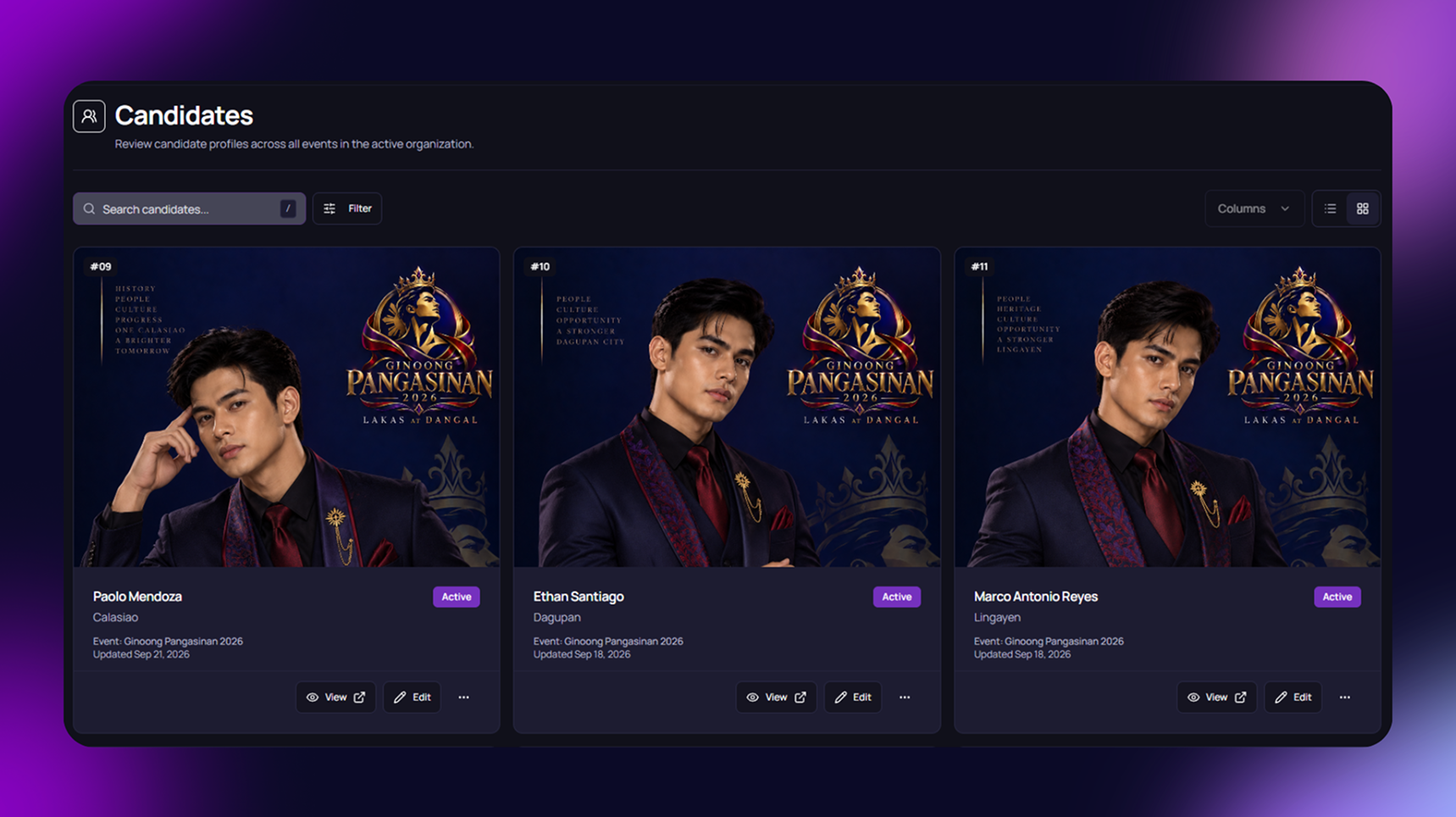
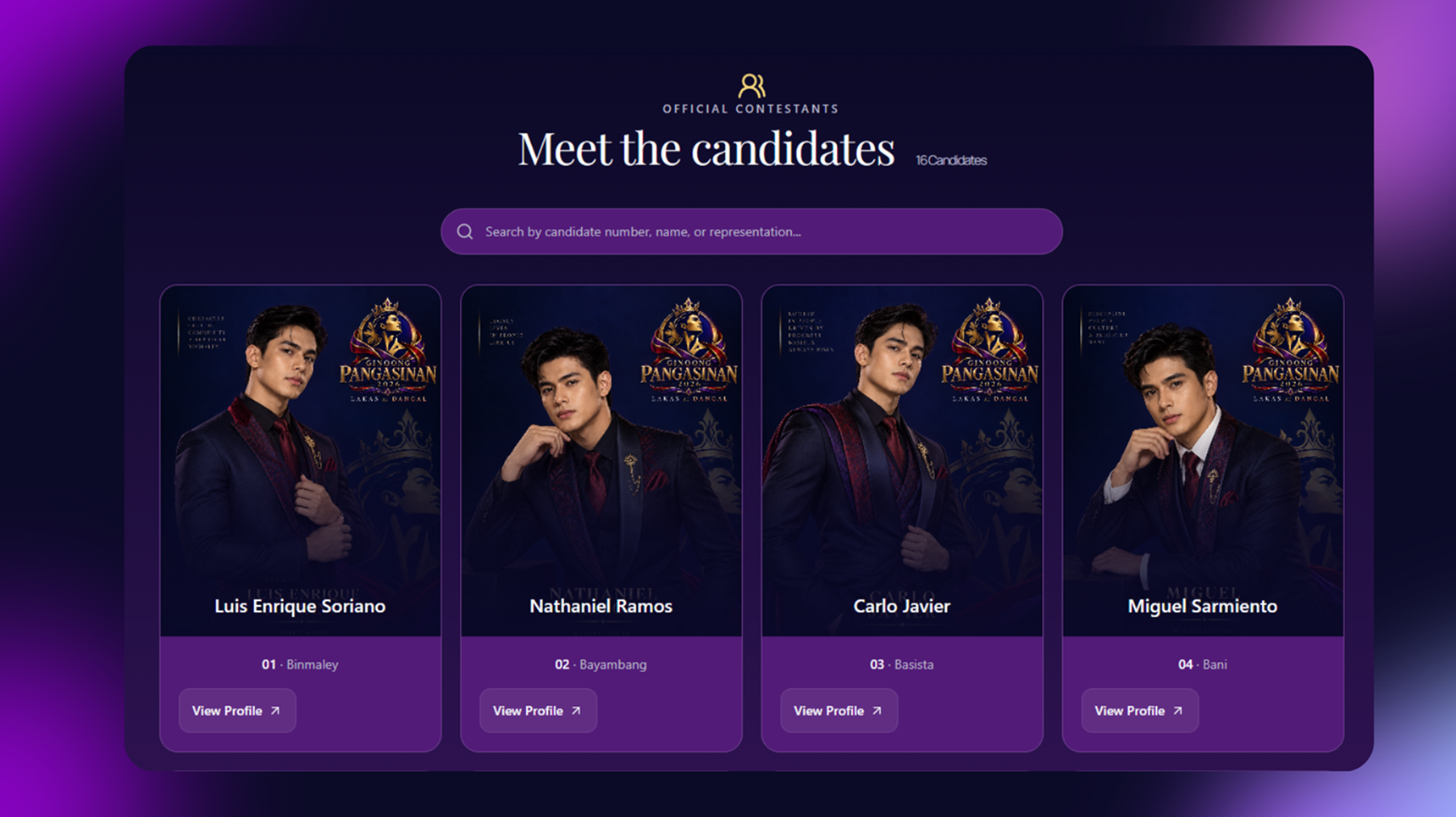
Candidates Profiles
Publish and Launch
Perks
Dashboard
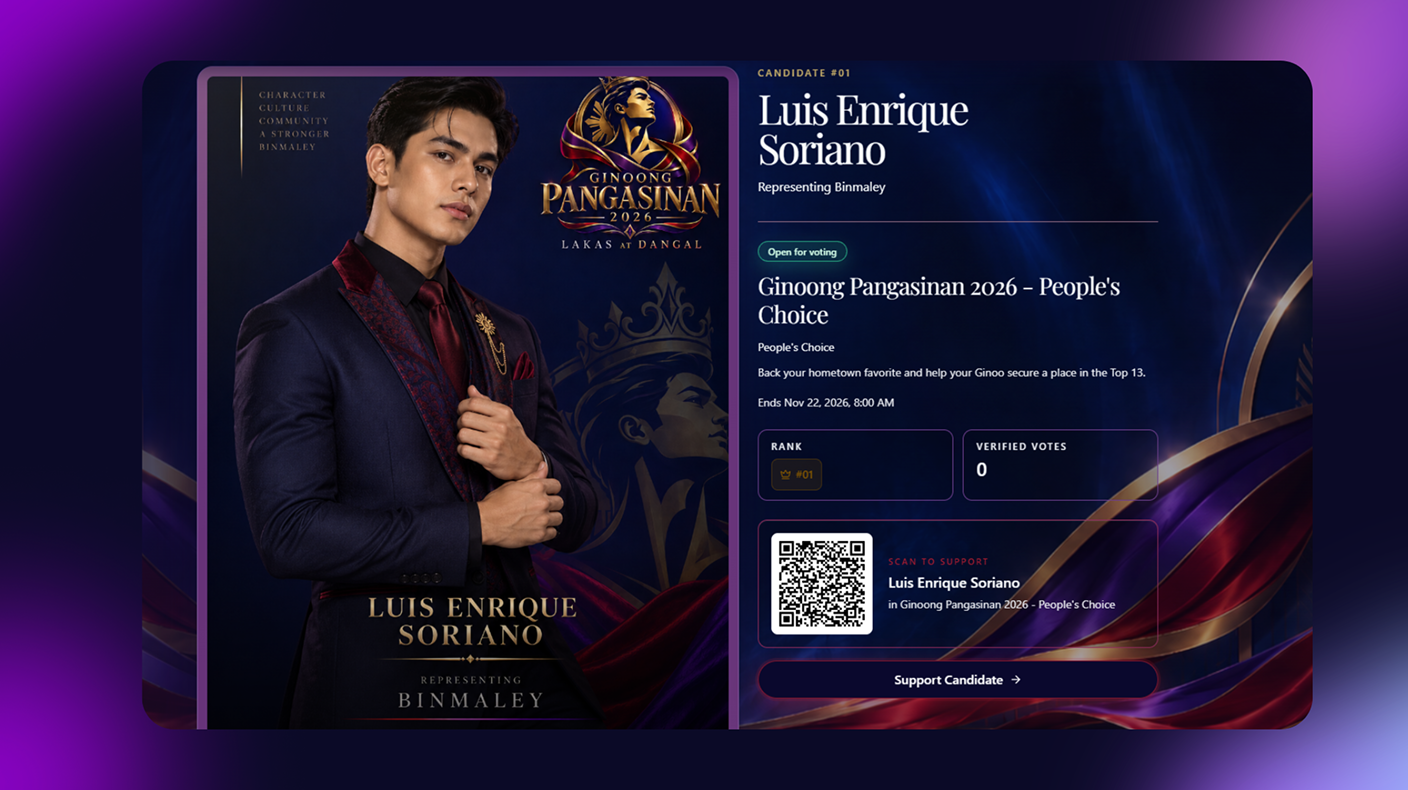
Microsite

Less Work, More Consistency
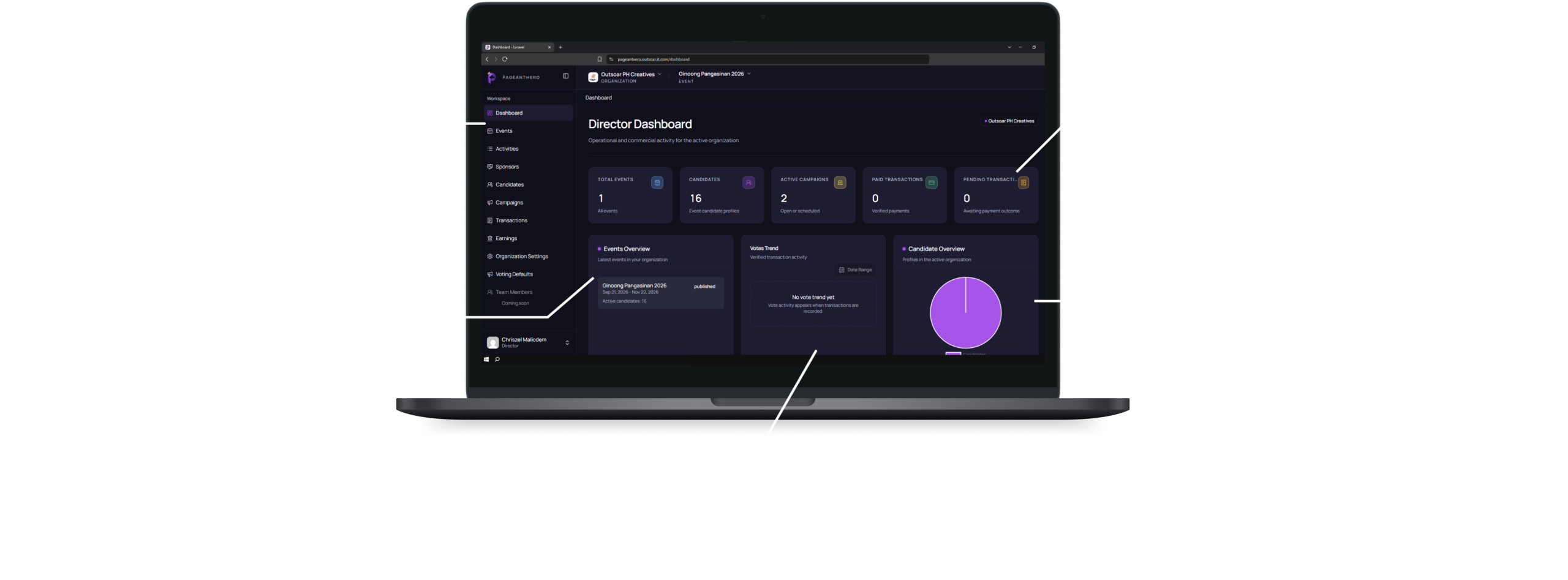
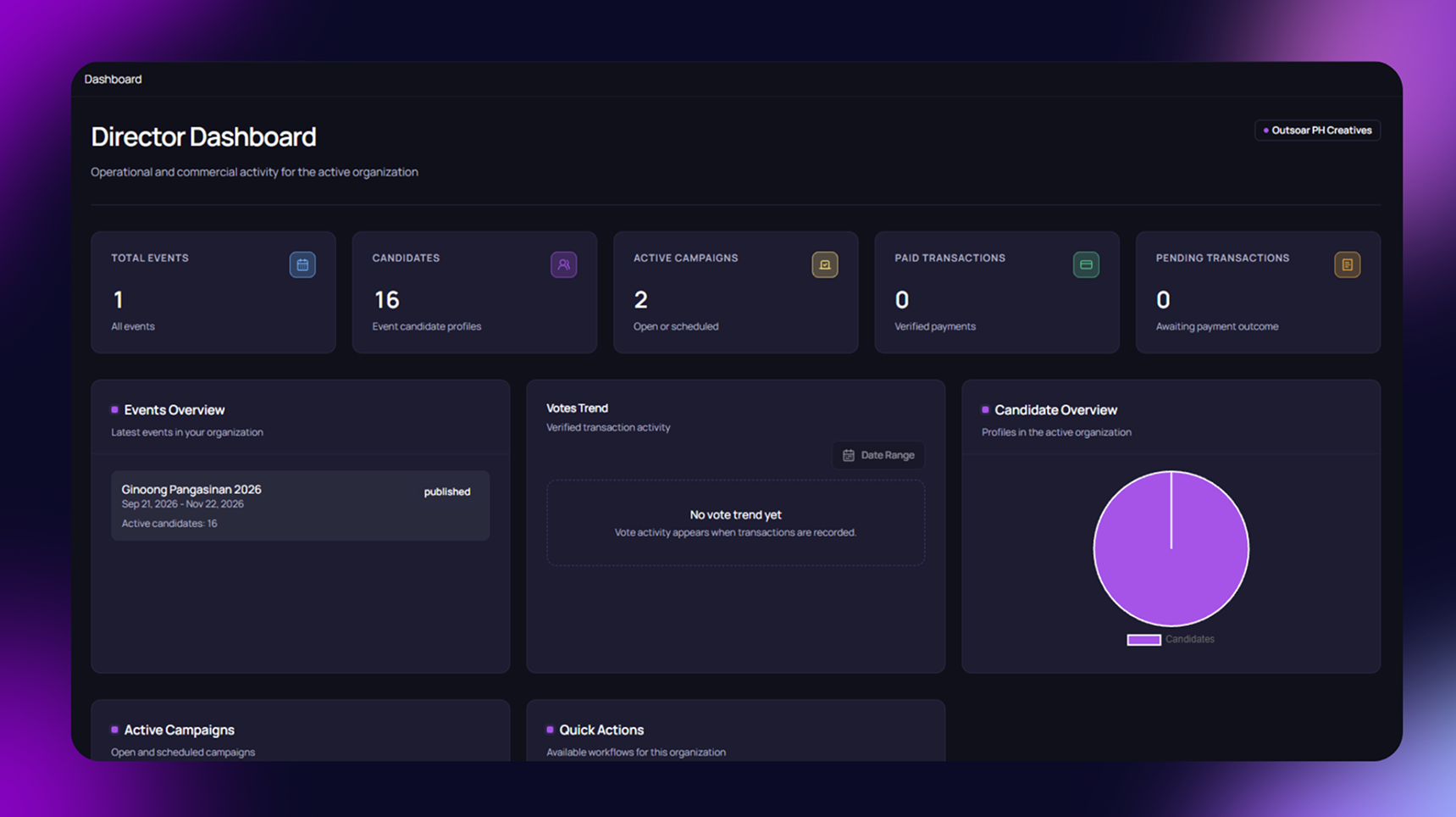
The dashboard shows your total events, candidates, campaigns, and transactions in one place. You don't need to check separate pages to know how your organization is doing.
Less Work, More Consistency
Set up your event once and use it for candidates, campaigns, and your public page, instead of managing each one separately. This saves time and keeps your information consistent everywhere it appears.
Track Event Status Easily
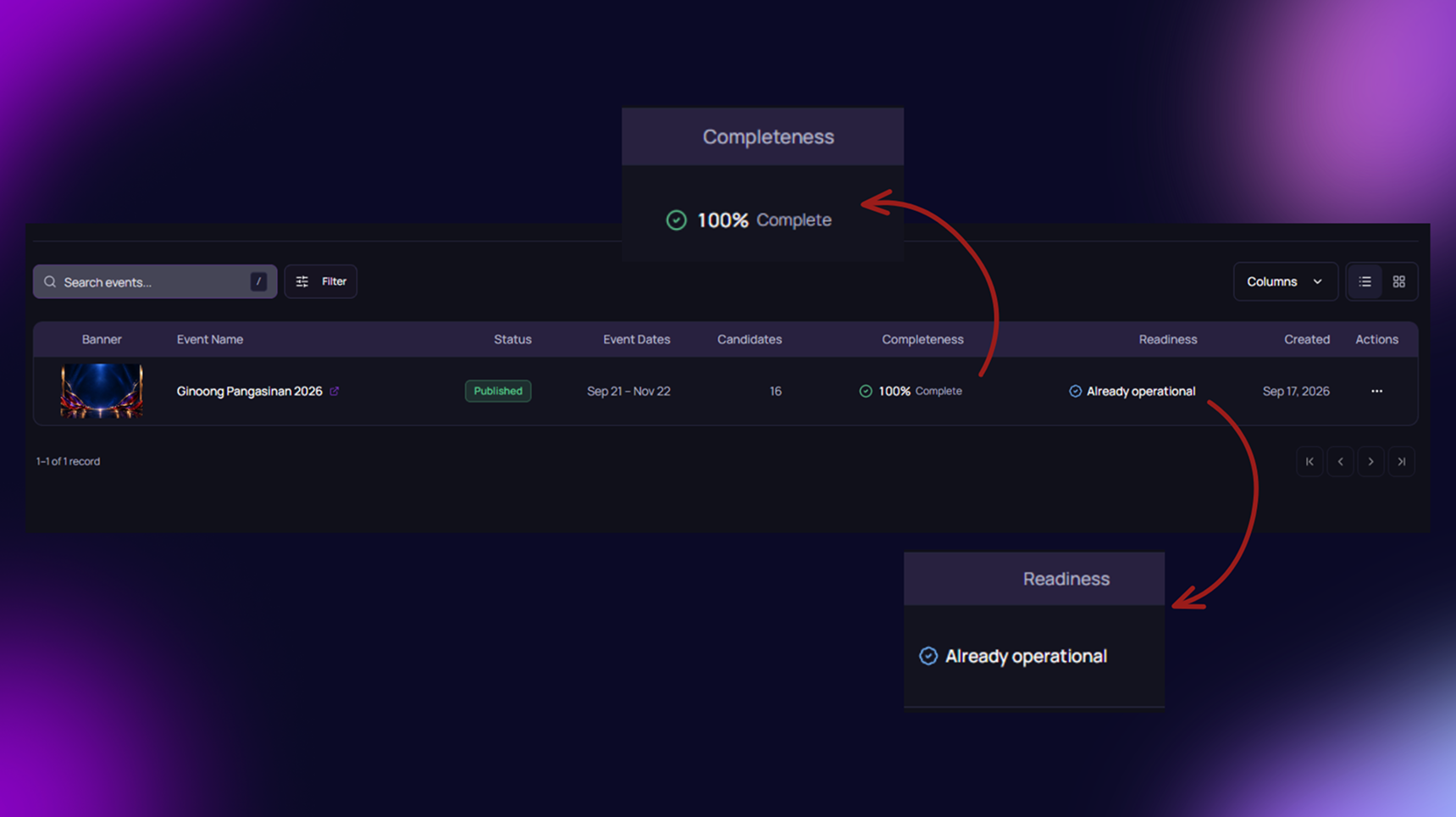
Each event shows its lifecycle, from published status to completeness and readiness, so you always know where it stands. This helps you catch what still needs attention before your event goes fully public.

Full Control Before Going Live
Prepare your event details, candidates, and campaigns in private before anything is shown to the public. You decide exactly when your event page goes live and when voting opens.

View Events Your Way
Switch between list view and gallery view to see your events in whichever format works best for you. This makes it easier to review event banners, dates, and candidate counts at a glance.

A Public Page People Can Trust
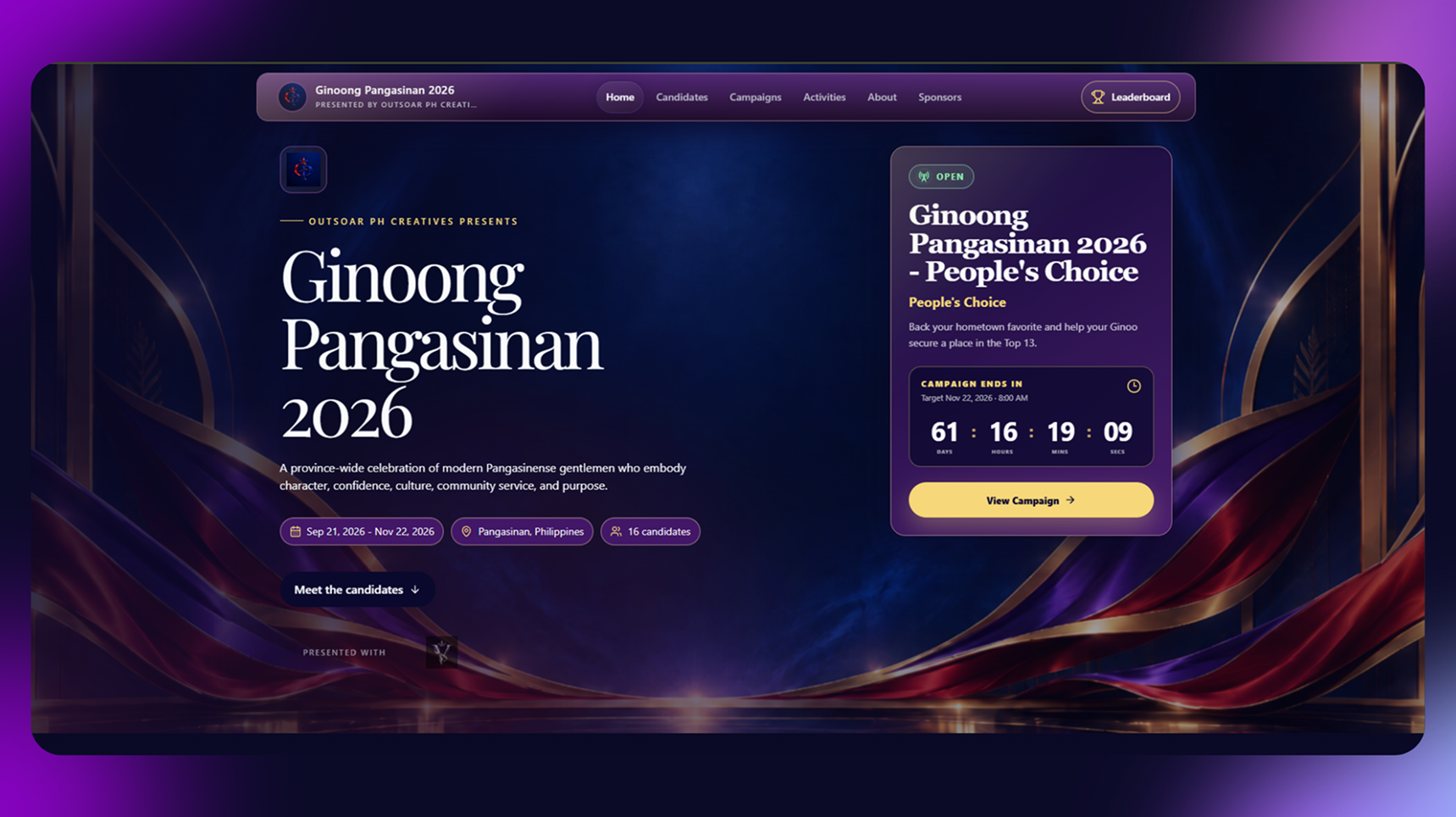
Your event page, candidates, and voting campaigns are all clearly organized in one place, giving visitors an accurate and professional experience. This builds confidence with your supporters and sponsors.
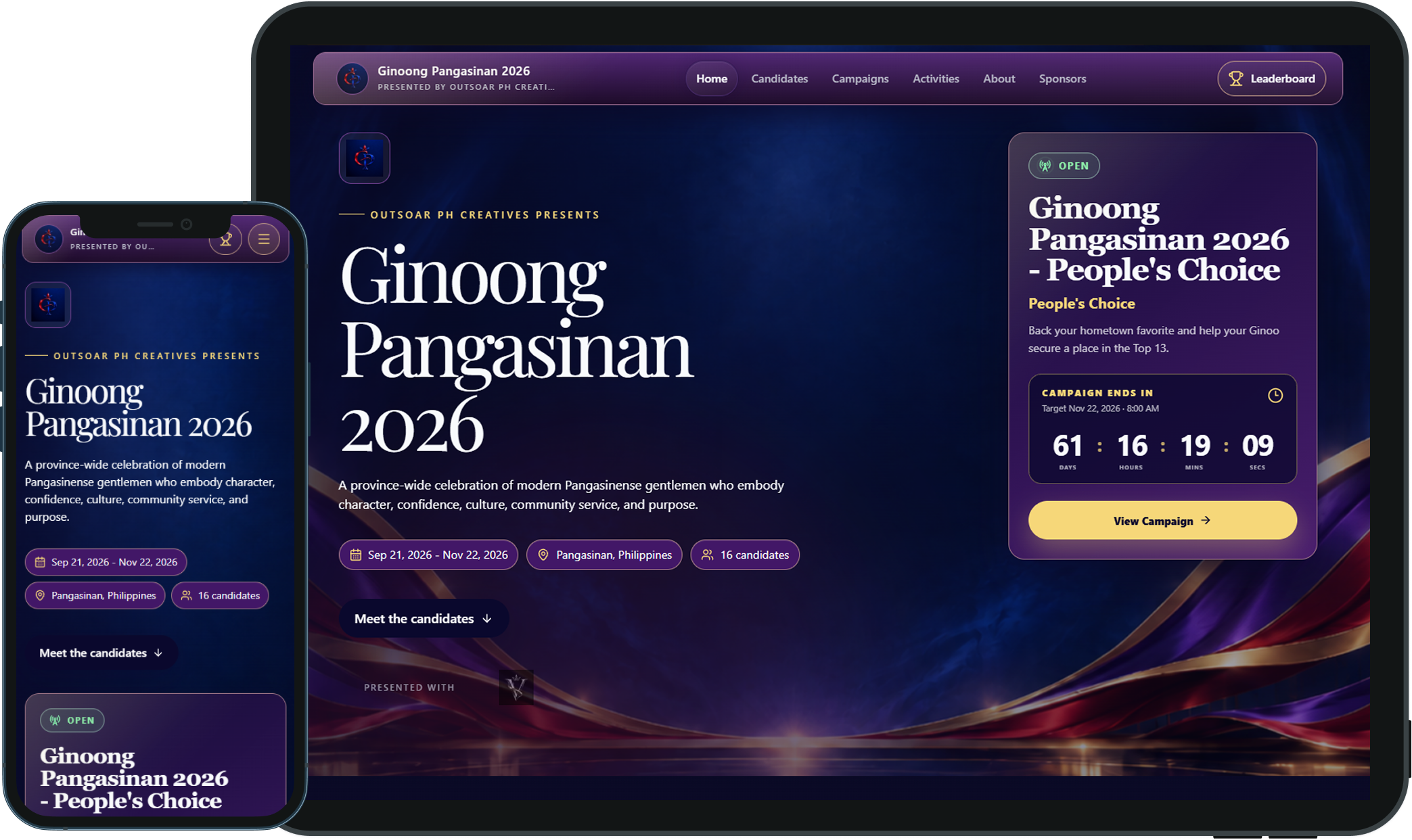
Mobile
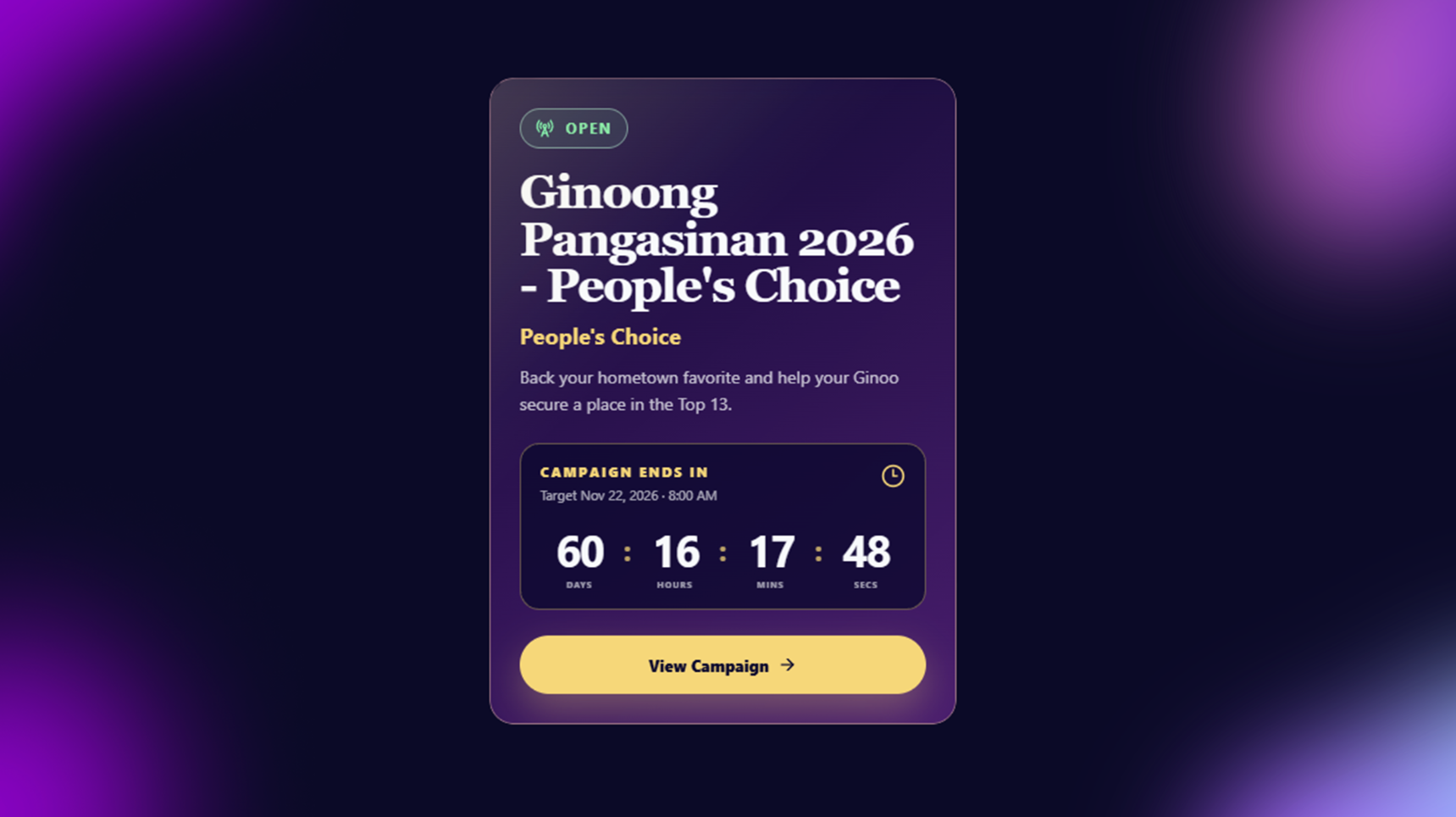
The event microsite adjusts to fit smaller screens, keeping key details like the event title, dates, and voting status easy to read. Visitors can browse and vote comfortably from their phones, wherever they are.
Tablet
On larger screens, the microsite makes full use of the space, showing more details like the countdown timer and campaign card side by side. This gives visitors a fuller view of the event without needing to scroll as much.
FAQ
Find clear answers about using PageantXero for your event.
Can one organization manage multiple events?
Yes. One organization may manage multiple pageant events, such as different editions, titles, or seasons, while keeping the organization as the parent context.
Can organization branding be reused across events?
Yes. Organization branding is intended to be reusable across events. An event may also have its own event-level visual identity where that capability is supported; this answer does not imply full white-label or custom-domain support.
What can I manage inside an event?
An event holds its pageant edition details, dates, status, candidate participation, public presentation, and connected voting campaigns. It is the specific edition that an organization is preparing or running.
Can an event have more than one campaign?
Yes. The approved MVP allows an event to have one or more voting campaigns. Campaign configuration and launch remain separate from the event record.

Previous — Organization Branding
Build the reusable organization identity behind your
events.

Recommended Next — Candidate Management
Bring candidates into the event and manage their event-specific participation.
See PageantXero in action.
Explore a more connected way to plan, promote, and run your next event.